Copilot+ PCs in 2026 Without Myths: NPU (40+ TOPS), Recall and Local AI Privacy
By 2026, the term “Copilot+ PC” has become a real hardware category rather than a marketing label. These machines are designed to run modern AI features directly on the device, using dedicated silicon called an NPU. Alongside the benefits, many users have understandable questions about features like Recall and what they mean for privacy. This article explains the facts clearly, without exaggeration.
What the NPU Is and Why 40+ TOPS Became the AI-PC Marker
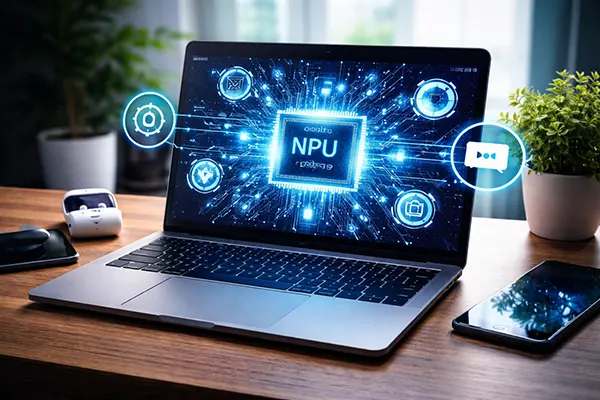
An NPU, or Neural Processing Unit, is a specialised processor built to handle AI workloads efficiently. Unlike a CPU, which is general-purpose, or a GPU, which focuses on parallel graphics tasks, the NPU is optimised for neural network operations such as on-device language processing, image enhancement, and background AI assistance.
The “40+ TOPS” threshold matters because it represents a performance level that allows these AI tasks to run smoothly in real time without draining the battery or overloading the main processor. TOPS means “trillions of operations per second”, and Microsoft uses this benchmark as a practical requirement for Copilot+ class devices.
In everyday use, this means AI features like live captions, local image generation support, or intelligent productivity tools can work directly on your laptop. Instead of sending everything to the cloud, more processing stays on the machine, which can improve speed and reduce reliance on constant internet connectivity.
Why Local AI Processing Changes the User Experience
Local AI is not only about performance. It also affects how personal computing feels. When tasks are processed on-device, responses are faster, and features can work even in offline environments. This is especially relevant for professionals travelling or working in restricted networks.
Another key advantage is energy efficiency. NPUs are designed to handle AI inference with far less power than running the same workload on a CPU or GPU. In practice, that means longer battery life while using AI-powered tools throughout the day.
However, buyers should understand that “AI-PC” is not a magic upgrade for every workflow. The NPU benefits are most visible in supported Windows features and new applications built specifically for this hardware generation.
Recall in 2026: How It Works and What Is Stored Locally
Recall is one of the most discussed Copilot+ features. Its purpose is to help users search through past activity by creating a visual timeline of what was on the screen. Instead of relying only on browser history or file names, Recall can help you find “that document I opened yesterday” or “the website I saw last week”.
Microsoft states in its official documentation that Recall requires optional user consent. This means it is not silently enabled without permission. The system works by taking snapshots of activity, which are then stored locally on the device rather than uploaded as a continuous cloud feed.
Importantly, these snapshots are encrypted, and users have controls to pause Recall, delete stored data, or exclude certain apps and websites. In other words, Recall is designed with user-managed switches, not as an uncontrolled monitoring tool.
User Control and Privacy Switches Around Recall
The most important privacy aspect is that Recall is intended to be opt-in. Users must actively agree to enable it, and they can turn it off at any time. This aligns with growing regulatory and consumer expectations around transparency in AI features.
Storage is another critical point. Recall data remains on the local SSD, protected through encryption tied to the device’s security features. This reduces the risk of mass remote collection, but it also means the laptop itself becomes the central place where this sensitive history exists.
For privacy-conscious users, the best practice is to review Recall settings during device setup, exclude confidential work apps if needed, and treat the feature as a productivity tool rather than something mandatory.
Red Flags for Home and Work PCs: Security Policies and Hardware Requirements
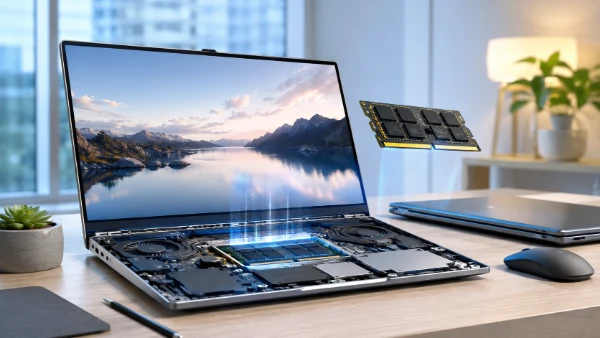
Copilot+ PCs introduce new requirements beyond raw speed. Because features like Recall store encrypted snapshots locally, storage capacity and security configuration matter more than ever. Microsoft expects modern SSD performance and sufficient RAM for these workloads.
For workplace environments, IT policies are essential. Companies may need to disable Recall entirely, enforce encryption rules, or limit which accounts can use AI timeline features. Without clear governance, sensitive business data could be exposed if a device is lost or poorly managed.
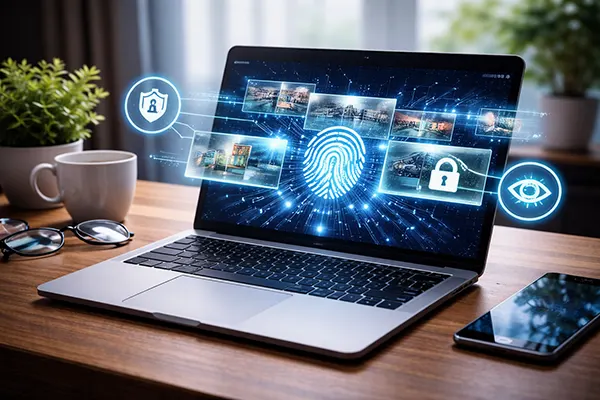
Hardware-based login protections such as Windows Hello are also part of the picture. Strong biometric authentication reduces the risk that someone else could access Recall history or other locally stored AI context.
A Practical Checklist: Who Actually Needs Copilot+ Hardware?
Copilot+ PCs make the most sense for users who want next-generation Windows AI features, creators working with modern assisted workflows, or professionals who value on-device processing instead of cloud dependence.
They may not be necessary for people who mainly use a laptop for basic browsing, office documents, or older software that does not take advantage of NPUs. In those cases, a well-balanced traditional machine can still be the smarter purchase.
The key in 2026 is clarity: understand what the NPU enables, check Recall controls, and evaluate whether these AI features match your real needs rather than assuming every user requires the newest category of PC.